
-

What’s a money market fund?
Wondering if a money market fund could be a suitable investment for your IRA or 401(k) account? Check out this brief overview to help you decide.
Read more -

The RMD evolution: understanding the 2024 required minimum distribution regulations
The IRS’s final 2024 RMD regulations are out. Get a quick summary from our ERISA specialists.
Read more

-

Understanding the correlation between stocks and bonds
Learn more about the correlation between stocks and bonds and discover how high-quality fixed income can help investors to diversify their equity exposure.
Read more -

Tips for creating a prudent governance process for your retirement plan
Proper plan governance does more than help a retirement plan run smoothly. It helps plan fiduciaries demonstrate that they acted prudently. Get tips for building a prudent governance process.
Read more -

From earnings to recession fears—making sense of market volatility
Volatility made a dramatic return to the markets in early August, sparked by less-than-stellar corporate earnings, unexpected yen strength, and concerns that economic growth may be stalling. We take a closer look.
Read more

-

SIMPLE IRAs: what to know after SECURE 2.0
SECURE 2.0 added an opportunity for the sponsor of a SIMPLE IRA plan to terminate the SIMPLE IRA plan midyear if the SIMPLE IRA plan is replaced with a safe harbor 401(k) plan. IRS Notice 2024-2 provided details on how this is accomplished.
Read more
-

Potential benefits of having both a traditional and Roth IRA
Your traditional IRA is a great way to save for retirement. Find out 3 reasons to consider also opening a Roth IRA to help you maximize your retirement savings.
Read more -
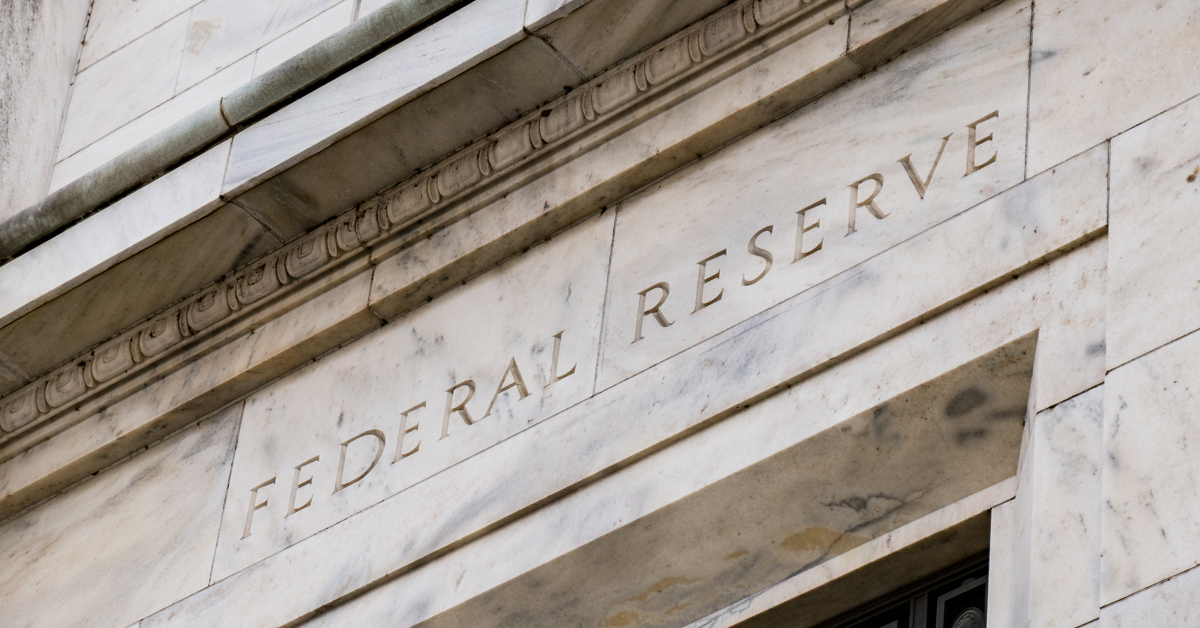
Understanding the impact of the Federal Reserve on retirement savings
When the economy is running smoothly, you and your employees may not even notice that the Federal Reserve is meeting or what they decide. As a plan sponsor, it’s beneficial for you to understand how the Fed works so you can help your employees manage their retirement savings in changing economic conditions.
Read more -
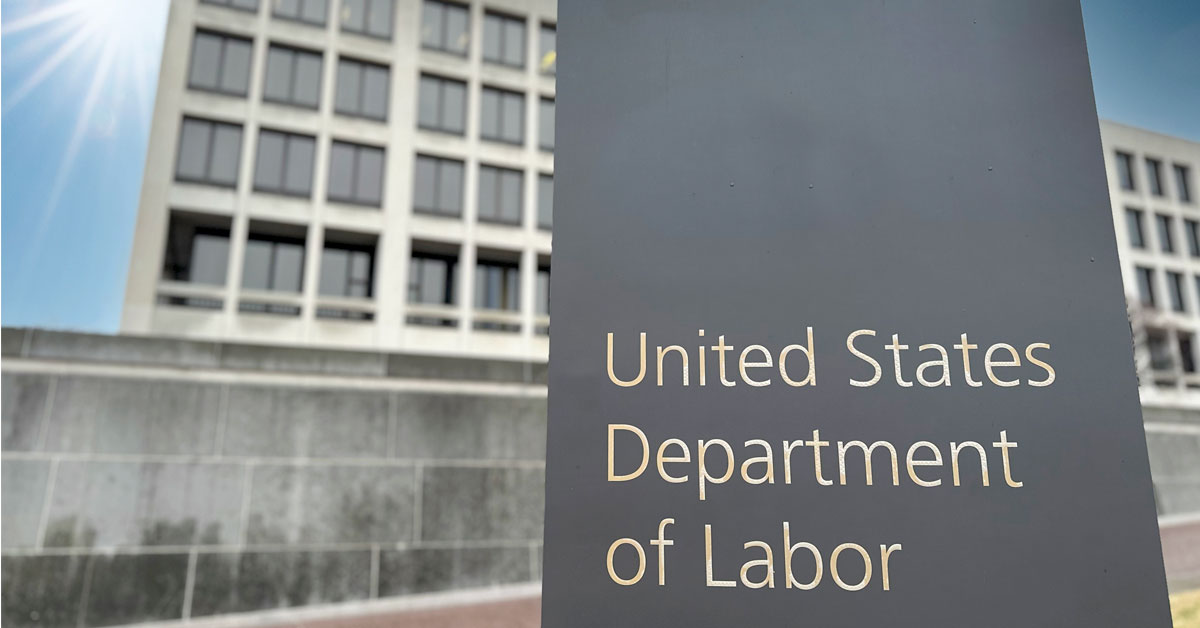
The DOL’s final fiduciary rule is here
Released in April 2024 with a September effective date, this rule defines when a person is an investment advice fiduciary under ERISA and the Internal Revenue Code. It also includes amendments to various class prohibited transaction exceptions (PTEs) available to these fiduciaries.
Read more
-

10 smart financial moves to help you stay on budget
Everyday expenses can strain your budget and leave less money for your financial goals such as saving for retirement. Here are 10 smart financial moves to help you stay on track, manage your debt, and save more.
Read more
What's your role?
What’s your role?

Please enter the email address you used when registering.
If you have a valid account with us, you will receive an email with instructions to reset your password.
Please try again later.
We’re committed to protecting the confidentially of personal information and use security measures and other safeguards designed to keep your personal information safe. Please choose a contact method below to receive a confirmation code:
Please enter the 6-digit code sent to your email. If you have not received a code, you may not have a registered account.
Generate QR code
If you are new and ready to setup the Authenticator App for easier sign in experience next time. If you haven’t already, downloaded the Authenticator App on iOS or Android by scanning a QR code then click on "Set up Authenticator App". Do not close this browser window.


Link account to app
Now, open the Authenticator App and then on your app add account by scanning QR code or manually entering the code below to link your account. QR code expires after 15 minutes.
Enter code from Authenticator App
Do not close browser window. A security code is available in your Authenticator App, as you should have a new account in your App. If you don't have a code to enter, please click "Back" and set up the Authenticator App to get a new code.
- Must be between 9 and 64 characters long
- Must have at least one capital letter
- Must have a number
- Must have a special character
- Cannot contain any characters that repeat more than twice
- New passwords fields must match
Please try again later.
Enter your password to login.
We’re committed to protecting the confidentially of personal information and use security measures and other safeguards designed to keep your personal information safe. Please choose a contact method below to receive a confirmation code:
Enter the 6-digit code sent to your email
Generate QR code
If you are new and ready to setup the Authenticator App for easier sign in experience next time. If you haven’t already, downloaded the Authenticator App on iOS or Android by scanning a QR code then click on "Set up Authenticator App". Do not close this browser window.
Link account to app
Now, open the Authenticator App and then on your app add account by scanning QR code or manually entering the code below to link your account. QR code expires after 15 minutes.
Enter code from Authenticator App
Do not close browser window. A security code is available in your Authenticator App, as you should have a new account in your App. If you don't have a code to enter, please click "Back" and set up the Authenticator App to get a new code.
- Must be between 9 and 64 characters long
- Must have at least one capital letter
- Must have a number
- Must have a special character
- Cannot contain any characters that repeat more than twice
- New passwords fields must match
Please try again later.
We’re committed to protecting the confidentially of personal information and use security measures and other safeguards designed to keep your personal information safe. Please choose a contact method below to receive a confirmation code:
account holders
-
Access, analyze and run reports on your Signature plansVisit
-
Detailed reporting and administrative tools for TPA’s Signature block of business - United StatesVisit
-
Detailed reporting and administrative tools for TPA’s Signature block of business - New YorkVisit
-
Access data-drive insight and investment reporting on your open architecture plansVisit
-
 Advisor reporting on your Signature plansVisit
 -
 Advisor reporting on your open-architecture plansVisit
 -
 TPA reporting and administrative tools for your Signature plansVisit
 -
TPA reporting and administrative tools for your Signature New York plansVisit
-
Access to FutureChoice for pre-approved advisorsVisit
Enter your password to login.
To verify your identity, we need to send an authorization code to the email address on file.
Enter the 6-digit code sent to your email
Generate QR code
If you are new and ready to setup the Authenticator App for easier sign in experience next time. If you haven’t already, downloaded the Authenticator App on iOS or Android by scanning a QR code then click on "Set up Authenticator App". Do not close this browser window.
Link account to app
Now, open the Authenticator App and then on your app add account by scanning QR code or manually entering the code below to link your account. QR code expires after 15 minutes.
Enter code from Authenticator App
Do not close browser window. A security code is available in your Authenticator App, as you should have a new account in your App. If you don't have a code to enter, please click "Back" and set up the Authenticator App to get a new code.
Welcome back.
Please try again later.
We need a phone number to keep your account secure. We will send you a code to validate your phone number.
Please enter the email address you used when registering.
If you have a valid account with us, you will receive an email with instructions to reset your password.
Please try again later.
We’re committed to protecting the confidentially of personal information and use security measures and other safeguards designed to keep your personal information safe. Please choose a contact method below to receive a confirmation code:
Please enter the 6-digit code sent to your email. If you have not received a code, you may not have a registered account.
Generate QR code
If you are new and ready to setup the Authenticator App for easier sign in experience next time. If you haven’t already, downloaded the Authenticator App on iOS or Android by scanning a QR code then click on "Set up Authenticator App". Do not close this browser window.
Link account to app
Now, open the Authenticator App and then on your app add account by scanning QR code or manually entering the code below to link your account. QR code expires after 15 minutes.
Enter code from Authenticator App
Do not close browser window. A security code is available in your Authenticator App, as you should have a new account in your App. If you don't have a code to enter, please click "Back" and set up the Authenticator App to get a new code.
- Must be between 9 and 64 characters long
- Must have at least one capital letter
- Must have a number
- Must have a special character
- Cannot contain any characters that repeat more than twice
- New passwords fields must match
Please try again later.
Enter your password to login.
We’re committed to protecting the confidentially of personal information and use security measures and other safeguards designed to keep your personal information safe. Please choose a contact method below to receive a confirmation code:
Enter the 6-digit code sent to your email
Generate QR code
If you are new and ready to setup the Authenticator App for easier sign in experience next time. If you haven’t already, downloaded the Authenticator App on iOS or Android by scanning a QR code then click on "Set up Authenticator App". Do not close this browser window.
Link account to app
Now, open the Authenticator App and then on your app add account by scanning QR code or manually entering the code below to link your account. QR code expires after 15 minutes.
Enter code from Authenticator App
Do not close browser window. A security code is available in your Authenticator App, as you should have a new account in your App. If you don't have a code to enter, please click "Back" and set up the Authenticator App to get a new code.
- Must be between 9 and 64 characters long
- Must have at least one capital letter
- Must have a number
- Must have a special character
- Cannot contain any characters that repeat more than twice
- New passwords fields must match
Please try again later.
We’re committed to protecting the confidentially of personal information and use security measures and other safeguards designed to keep your personal information safe. Please choose a contact method below to receive a confirmation code:
We have sent an email to {0}. Click the link in the email to finish setting up your dashboard
Please enter the email address you used when registering.
If you have a valid account with us, you will receive an email with instructions to reset your password.
Please try again later.
We’re committed to protecting the confidentially of personal information and use security measures and other safeguards designed to keep your personal information safe. Please choose a contact method below to receive a confirmation code:
Please enter the 6-digit code sent to your email. If you have not received a code, you may not have a registered account.
Generate QR code
If you are new and ready to setup the Authenticator App for easier sign in experience next time. If you haven’t already, downloaded the Authenticator App on iOS or Android by scanning a QR code then click on "Set up Authenticator App". Do not close this browser window.
Link account to app
Now, open the Authenticator App and then on your app add account by scanning QR code or manually entering the code below to link your account. QR code expires after 15 minutes.
Enter code from Authenticator App
Do not close browser window. A security code is available in your Authenticator App, as you should have a new account in your App. If you don't have a code to enter, please click "Back" and set up the Authenticator App to get a new code.
- Must be between 9 and 64 characters long
- Must have at least one capital letter
- Must have a number
- Must have a special character
- Cannot contain any characters that repeat more than twice
- New passwords fields must match
Please try again later.
Enter your password to login.
We’re committed to protecting the confidentially of personal information and use security measures and other safeguards designed to keep your personal information safe. Please choose a contact method below to receive a confirmation code:
Enter the 6-digit code sent to your email
Generate QR code
If you are new and ready to setup the Authenticator App for easier sign in experience next time. If you haven’t already, downloaded the Authenticator App on iOS or Android by scanning a QR code then click on "Set up Authenticator App". Do not close this browser window.
Link account to app
Now, open the Authenticator App and then on your app add account by scanning QR code or manually entering the code below to link your account. QR code expires after 15 minutes.
Enter code from Authenticator App
Do not close browser window. A security code is available in your Authenticator App, as you should have a new account in your App. If you don't have a code to enter, please click "Back" and set up the Authenticator App to get a new code.
- Must be between 9 and 64 characters long
- Must have at least one capital letter
- Must have a number
- Must have a special character
- Cannot contain any characters that repeat more than twice
- New passwords fields must match
Please try again later.
We’re committed to protecting the confidentially of personal information and use security measures and other safeguards designed to keep your personal information safe. Please choose a contact method below to receive a confirmation code: