
-

Perspectives on the role of the financial advisor from three successful women advisors
More than a third of financial advisors is expected to retire in the next 10 years. With women making up only 18% of financial advisors, there is ample opportunity for women to step into the role. So, we asked three leading female financial advisors about how they got where they are today, why they like what they do, and how the industry might try to attract more young people—and more women—to this rewarding career.
Read more -

2020’s lessons for 401(k) participants and financial professionals
Now that 2020 is hindsight, it’s important to look back and see what lessons it has for us. We’ve taken a look at the actions our retirement plan participants took in 2020 to gauge what kind of help they may need as they look forward in 2021.
Read more -

Five things you should know about the IRS’s latest 401(k) plan restatement cycle for preapproved plans
Learn about the 401(k) plan restatement process and the document options that are available to plan sponsors.
Read more
-
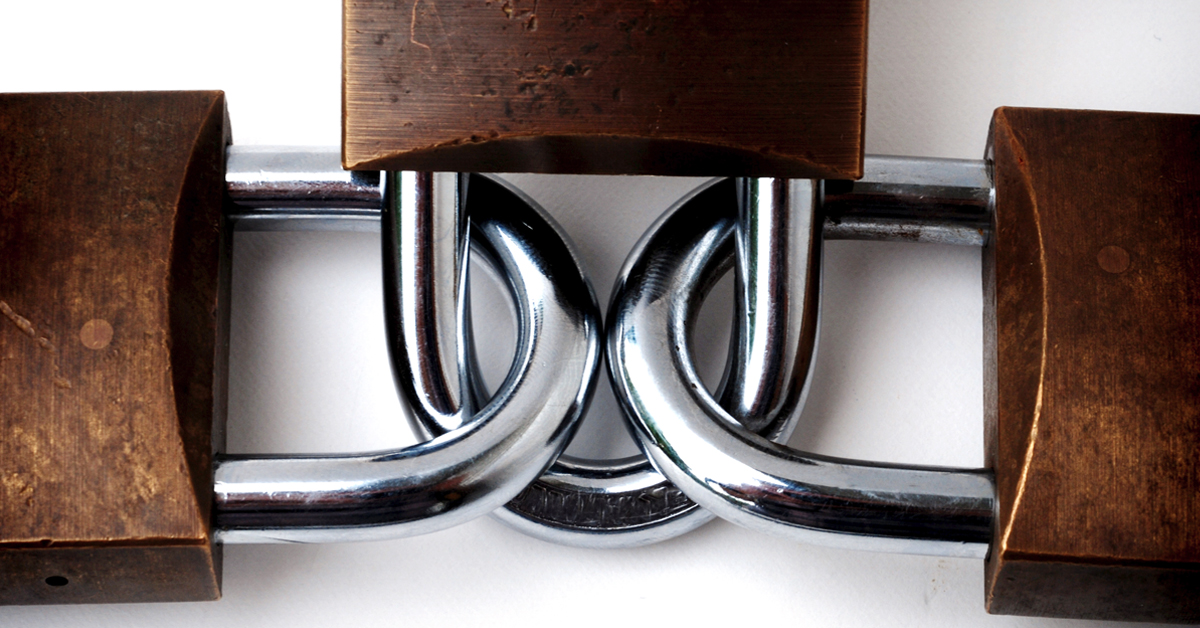
The three layers of retirement plan cybersecurity: a primer for fiduciaries
Learn about the three layers of retirement plan cybersecurity due diligence.
Read more -

In your 20s? How to afford your new life—while saving for retirement
You’ve landed a great job and this awesome thing called a paycheck! You also have student loans and a car loan, and your parents are saying you need to save for retirement. How are you supposed to do all that?
Read more -

Differences among single, pooled, and multiple employer retirement plans
Learn about the differences between single employer and multiple employer plans.
Read more
-

What’s a nonqualified plan?
Nonqualified plans are a potentially attractive benefit for both your employees and for your large or small business.
Read more -

ERISA and the 401(k) plan: a short history
Knowing the history of ERISA and the 401(k) plan can help you understand your ERISA duties—and execute them effectively.
Read more -

Financial wellness programs can help increase employee loyalty and reduce stress
Even before 2020 became a four-letter word, financial stress was on the rise among Americans—and the pandemic has made it worse. In our latest financial stress survey, we learned how employees feel about financial programs and the types of help they’d like from their employers.
Read more
-
_Commonly_401(k)_Questions_VP_1200x628.jpg)
65 commonly asked 401(k) plan questions—and where to find answers
From enrolling, to investing, to taking withdrawals, people have questions about their 401(k) plans and how to use them. Here are some of the common questions—and links to recent Viewpoints that can help answer them.
Read more
What's your role?
What’s your role?

Please enter the email address you used when registering.
If you have a valid account with us, you will receive an email with instructions to reset your password.
Please try again later.
We’re committed to protecting the confidentially of personal information and use security measures and other safeguards designed to keep your personal information safe. Please choose a contact method below to receive a confirmation code:
Please enter the 6-digit code sent to your email. If you have not received a code, you may not have a registered account.
Generate QR code
If you are new and ready to setup the Authenticator App for easier sign in experience next time. If you haven’t already, downloaded the Authenticator App on iOS or Android by scanning a QR code then click on "Set up Authenticator App". Do not close this browser window.


Link account to app
Now, open the Authenticator App and then on your app add account by scanning QR code or manually entering the code below to link your account. QR code expires after 15 minutes.
Enter code from Authenticator App
Do not close browser window. A security code is available in your Authenticator App, as you should have a new account in your App. If you don't have a code to enter, please click "Back" and set up the Authenticator App to get a new code.
- Must be between 9 and 64 characters long
- Must have at least one capital letter
- Must have a number
- Must have a special character
- Cannot contain any characters that repeat more than twice
- New passwords fields must match
Please try again later.
Enter your password to login.
We’re committed to protecting the confidentially of personal information and use security measures and other safeguards designed to keep your personal information safe. Please choose a contact method below to receive a confirmation code:
Enter the 6-digit code sent to your email
Generate QR code
If you are new and ready to setup the Authenticator App for easier sign in experience next time. If you haven’t already, downloaded the Authenticator App on iOS or Android by scanning a QR code then click on "Set up Authenticator App". Do not close this browser window.
Link account to app
Now, open the Authenticator App and then on your app add account by scanning QR code or manually entering the code below to link your account. QR code expires after 15 minutes.
Enter code from Authenticator App
Do not close browser window. A security code is available in your Authenticator App, as you should have a new account in your App. If you don't have a code to enter, please click "Back" and set up the Authenticator App to get a new code.
- Must be between 9 and 64 characters long
- Must have at least one capital letter
- Must have a number
- Must have a special character
- Cannot contain any characters that repeat more than twice
- New passwords fields must match
Please try again later.
We’re committed to protecting the confidentially of personal information and use security measures and other safeguards designed to keep your personal information safe. Please choose a contact method below to receive a confirmation code:
account holders
-
Access, analyze and run reports on your Signature plansVisit
-
Detailed reporting and administrative tools for TPA’s Signature block of business - United StatesVisit
-
Detailed reporting and administrative tools for TPA’s Signature block of business - New YorkVisit
-
Access data-drive insight and investment reporting on your open architecture plansVisit
-
 Advisor reporting on your Signature plansVisit
 -
 Advisor reporting on your open-architecture plansVisit
 -
 TPA reporting and administrative tools for your Signature plansVisit
 -
TPA reporting and administrative tools for your Signature New York plansVisit
-
Access to FutureChoice for pre-approved advisorsVisit
Enter your password to login.
To verify your identity, we need to send an authorization code to the email address on file.
Enter the 6-digit code sent to your email
Generate QR code
If you are new and ready to setup the Authenticator App for easier sign in experience next time. If you haven’t already, downloaded the Authenticator App on iOS or Android by scanning a QR code then click on "Set up Authenticator App". Do not close this browser window.
Link account to app
Now, open the Authenticator App and then on your app add account by scanning QR code or manually entering the code below to link your account. QR code expires after 15 minutes.
Enter code from Authenticator App
Do not close browser window. A security code is available in your Authenticator App, as you should have a new account in your App. If you don't have a code to enter, please click "Back" and set up the Authenticator App to get a new code.
Welcome back.
Please try again later.
We need a phone number to keep your account secure. We will send you a code to validate your phone number.
Please enter the email address you used when registering.
If you have a valid account with us, you will receive an email with instructions to reset your password.
Please try again later.
We’re committed to protecting the confidentially of personal information and use security measures and other safeguards designed to keep your personal information safe. Please choose a contact method below to receive a confirmation code:
Please enter the 6-digit code sent to your email. If you have not received a code, you may not have a registered account.
Generate QR code
If you are new and ready to setup the Authenticator App for easier sign in experience next time. If you haven’t already, downloaded the Authenticator App on iOS or Android by scanning a QR code then click on "Set up Authenticator App". Do not close this browser window.
Link account to app
Now, open the Authenticator App and then on your app add account by scanning QR code or manually entering the code below to link your account. QR code expires after 15 minutes.
Enter code from Authenticator App
Do not close browser window. A security code is available in your Authenticator App, as you should have a new account in your App. If you don't have a code to enter, please click "Back" and set up the Authenticator App to get a new code.
- Must be between 9 and 64 characters long
- Must have at least one capital letter
- Must have a number
- Must have a special character
- Cannot contain any characters that repeat more than twice
- New passwords fields must match
Please try again later.
Enter your password to login.
We’re committed to protecting the confidentially of personal information and use security measures and other safeguards designed to keep your personal information safe. Please choose a contact method below to receive a confirmation code:
Enter the 6-digit code sent to your email
Generate QR code
If you are new and ready to setup the Authenticator App for easier sign in experience next time. If you haven’t already, downloaded the Authenticator App on iOS or Android by scanning a QR code then click on "Set up Authenticator App". Do not close this browser window.
Link account to app
Now, open the Authenticator App and then on your app add account by scanning QR code or manually entering the code below to link your account. QR code expires after 15 minutes.
Enter code from Authenticator App
Do not close browser window. A security code is available in your Authenticator App, as you should have a new account in your App. If you don't have a code to enter, please click "Back" and set up the Authenticator App to get a new code.
- Must be between 9 and 64 characters long
- Must have at least one capital letter
- Must have a number
- Must have a special character
- Cannot contain any characters that repeat more than twice
- New passwords fields must match
Please try again later.
We’re committed to protecting the confidentially of personal information and use security measures and other safeguards designed to keep your personal information safe. Please choose a contact method below to receive a confirmation code:
We have sent an email to {0}. Click the link in the email to finish setting up your dashboard
Please enter the email address you used when registering.
If you have a valid account with us, you will receive an email with instructions to reset your password.
Please try again later.
We’re committed to protecting the confidentially of personal information and use security measures and other safeguards designed to keep your personal information safe. Please choose a contact method below to receive a confirmation code:
Please enter the 6-digit code sent to your email. If you have not received a code, you may not have a registered account.
Generate QR code
If you are new and ready to setup the Authenticator App for easier sign in experience next time. If you haven’t already, downloaded the Authenticator App on iOS or Android by scanning a QR code then click on "Set up Authenticator App". Do not close this browser window.
Link account to app
Now, open the Authenticator App and then on your app add account by scanning QR code or manually entering the code below to link your account. QR code expires after 15 minutes.
Enter code from Authenticator App
Do not close browser window. A security code is available in your Authenticator App, as you should have a new account in your App. If you don't have a code to enter, please click "Back" and set up the Authenticator App to get a new code.
- Must be between 9 and 64 characters long
- Must have at least one capital letter
- Must have a number
- Must have a special character
- Cannot contain any characters that repeat more than twice
- New passwords fields must match
Please try again later.
Enter your password to login.
We’re committed to protecting the confidentially of personal information and use security measures and other safeguards designed to keep your personal information safe. Please choose a contact method below to receive a confirmation code:
Enter the 6-digit code sent to your email
Generate QR code
If you are new and ready to setup the Authenticator App for easier sign in experience next time. If you haven’t already, downloaded the Authenticator App on iOS or Android by scanning a QR code then click on "Set up Authenticator App". Do not close this browser window.
Link account to app
Now, open the Authenticator App and then on your app add account by scanning QR code or manually entering the code below to link your account. QR code expires after 15 minutes.
Enter code from Authenticator App
Do not close browser window. A security code is available in your Authenticator App, as you should have a new account in your App. If you don't have a code to enter, please click "Back" and set up the Authenticator App to get a new code.
- Must be between 9 and 64 characters long
- Must have at least one capital letter
- Must have a number
- Must have a special character
- Cannot contain any characters that repeat more than twice
- New passwords fields must match
Please try again later.
We’re committed to protecting the confidentially of personal information and use security measures and other safeguards designed to keep your personal information safe. Please choose a contact method below to receive a confirmation code: